A Practical Guide for UK Homes Full of IoT Tech
Introduction
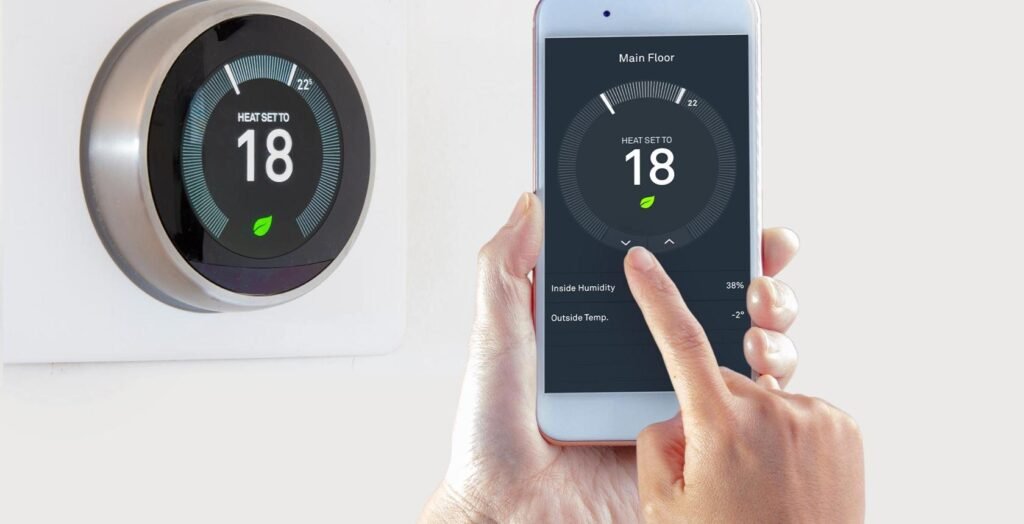
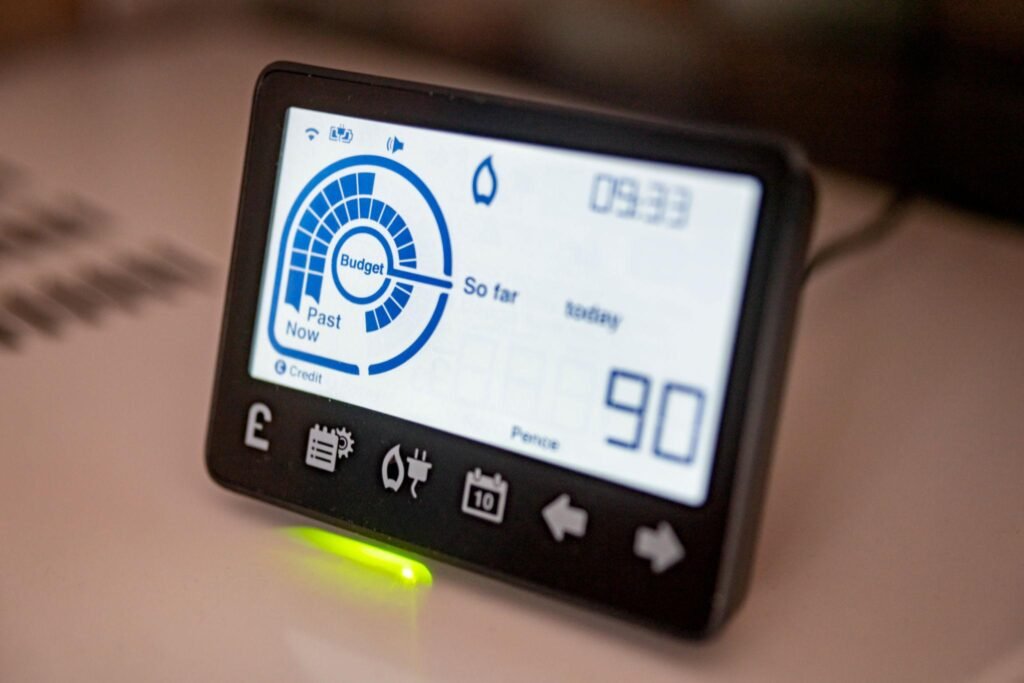
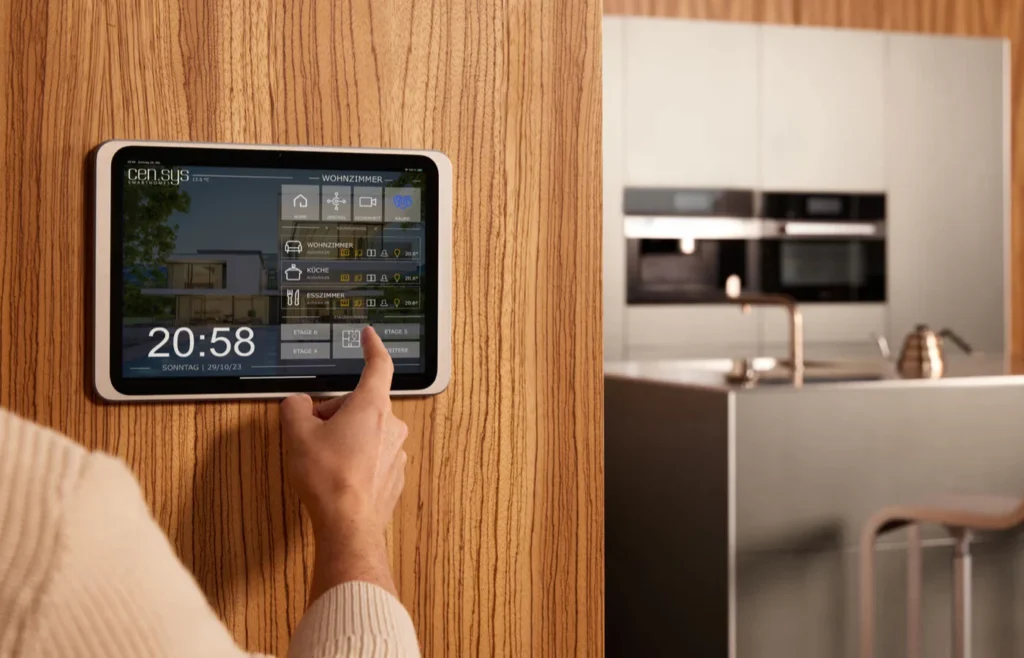
Modern UK homes increasingly rely on connected devices such as smart doorbells, locks, thermostats, appliances and sensors. While these systems improve convenience and security, they also introduce a new problem: managing multiple apps, updates and device failures across different platforms.
The ideal solution would be a single AI system that:
- monitors all devices
- detects faults or disconnections
- alerts you instantly
- tracks firmware updates
While no consumer tool does this perfectly yet, there are several powerful platforms that come close.
See our PDF download: Your Complete AI Learning Journey
Is There One AI That Controls Everything?
The Honest Reality
There is currently no single AI platform that fully integrates and manages all IoT devices across brands like:
- Ring
- smart fridges
- smart locks
- thermostats
- sensors
- air purifiers
Advertisement

- ECHO POP – This compact Bluetooth smart speaker with Alexa features a full sound that’s great for bedrooms and small spa…
- CONTROL MUSIC WITH YOUR VOICE – Ask Alexa to play music, audiobooks and podcasts from your favourite providers like Amaz…
- MAKE ANY SPACE A SMART SPACE – Use your voice or the Alexa app to easily control your compatible smart home devices like…
Manufacturers intentionally build ecosystems that prioritise their own products.
Annoying? Yes. Surprising? Not even slightly.
However, you can create a centralised monitoring system using a combination of smart home platforms and automation tools.
The Closest Thing to a “Single Smart Home AI”
Home Assistant
Why It’s the Best Option
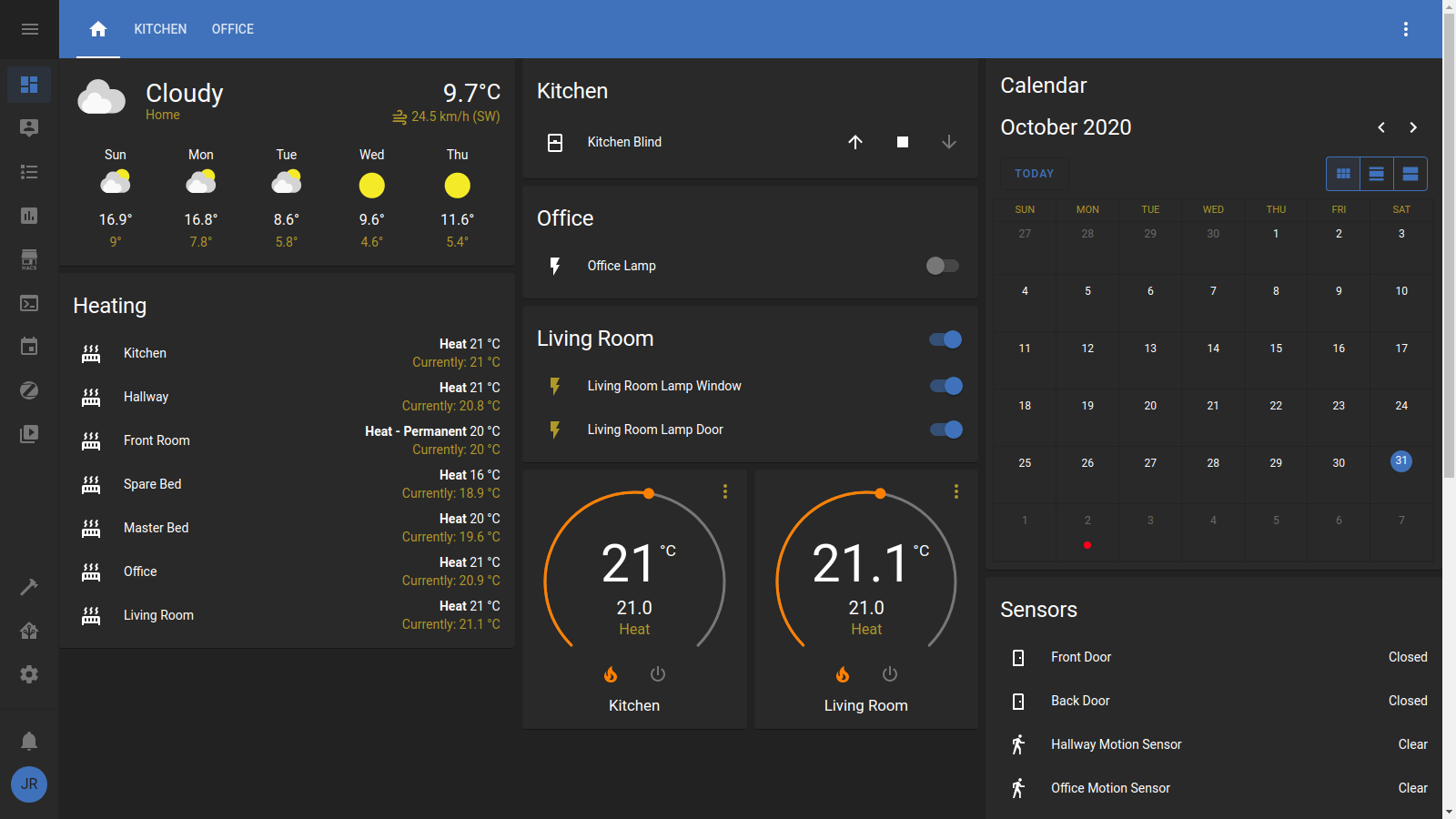
Home Assistant is widely regarded by experts as the most powerful platform for unifying smart home devices.
It can:
- integrate thousands of IoT devices
- monitor device status in real time
- detect when devices go offline
- send alerts for failures
- track firmware and update states (on supported devices)
What Makes It “AI-Like”
Home Assistant supports:
- automation rules
- predictive triggers
- anomaly detection (via integrations)
- voice assistant integration
Expert View
Smart home professionals often describe Home Assistant as the closest thing to a central nervous system for a smart home.
Samsung SmartThings
Best for Simplicity
SmartThings is easier to use than Home Assistant and works well with many mainstream devices.
It can:
- monitor device connectivity
- send alerts if devices go offline
- automate routines
- integrate with Samsung appliances
Limitation
Less powerful than Home Assistant and not as flexible across all brands.
https://www.samsung.com/uk/smartthings
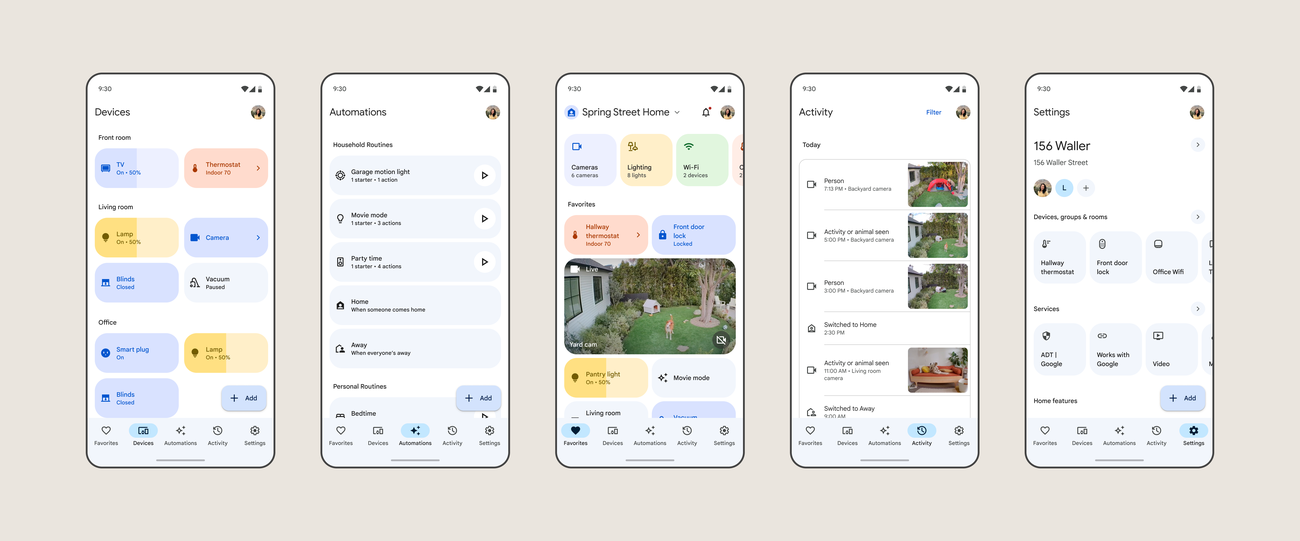
Google Home
Best for Notifications and Voice Control
Google Home allows you to:
- monitor device status
- receive alerts
- control devices via voice
- integrate multiple brands
Combined with Google Assistant, it can send reminders and alerts when devices disconnect or behave unexpectedly.
Limitation
Limited deep diagnostics and update tracking.
How to Get Alerts for Failures and Disconnections
Real-Time Monitoring Setup
Using a platform like Home Assistant, you can create alerts such as:
- “Front door lock offline”
- “Ring doorbell disconnected”
- “Thermostat not responding”
- “Sensor battery low”
These alerts can be sent via:
- mobile notifications
- smart speakers
Automation Example
You can configure rules like:
- If device goes offline for 5 minutes → send alert
- If battery drops below 20% → notify
- If device stops reporting → flag issue
This turns your system into a proactive monitoring tool, not just a control panel.
What About Automatic Updates?
The Reality of IoT Updates
Most IoT devices update through their own apps:
- Ring → Ring app
- smart fridge → manufacturer app
- thermostat → brand platform
- locks → proprietary apps
A central platform may:
- notify you of device status
- indicate firmware versions (sometimes)
But full cross-device update automation is still limited.
Workaround That Actually Works
Use:
- Home Assistant → monitoring
- device apps → updates
- automation tools → reminders
This gives you visibility and control without relying on one ecosystem.
Security Risks You Should Not Ignore
Why Monitoring Matters
IoT devices are a known weak point in home cyber security.
The UK’s National Cyber Security Centre advises users to:
- keep devices updated
- change default passwords
- monitor device behaviour
https://www.ncsc.gov.uk/collection/smart-home
Expert Quote
“Smart devices should be treated like computers – they require updates and monitoring to remain secure.”
— National Cyber Security Centre
Recommended Setup for a UK Smart Home
Practical “Best Setup”
To get close to a single monitoring system:
- Home Assistant → central monitoring
- SmartThings or Google Home → user-friendly control
- Device apps → updates
- Notifications → enabled across all platforms
This gives you:
- central visibility
- real-time alerts
- cross-device awareness
Without relying on one unreliable system.
Advertisement

- 16 Million Colors: This gu10 smart bulb (bulb shape size: MR16) provides millions of vivid colors plus cool & warm ambie…
- Adjustable Brightness & Color Temp: Brightness (0-400lm) and color temperature (2700-6500K) can be tailored precisely to…
- Convenient Intelligent Controls: You can control the gu10 led bulb via Alexa and Google Home to free your hands, and wit…
Conclusion
There is no perfect “one app AI” yet that fully monitors and updates every smart home device across all brands.
However, platforms like Home Assistant come very close by providing:
- central monitoring
- intelligent alerts
- automation
- integration across multiple ecosystems
With the right setup, your smart home can become:
- self-monitoring
- proactive
- far less frustrating
Which is impressive, considering half of these devices still struggle to stay connected to Wi-Fi like it’s 2006.
Key Sources
Home Assistant
https://www.home-assistant.io
Samsung SmartThings
https://www.samsung.com/uk/smartthings/
Google Home
https://home.google.com
NCSC Smart Home Security Guidance
https://www.ncsc.gov.uk/collection/smart-home
If you want, I can map out a step-by-step Home Assistant setup specifically for your exact devices (Ring, locks, thermostat, sensors, etc.) so it actually works without turning into a weekend-long technical meltdown.
AI Playbooks
We have created Professional High Quality Downloadable PDF’s at great prices specifically for Personal or Business use in the UK. Which include help and advice on understanding what Artificial Intelligence is all about and how it can improve your business. Find them here.